How to Fix a Credit Card Statement PDF Upload
Upload failure can come from the file, browser, connection, or service limits. Test one cause at a time without weakening privacy.
Upload lab: isolate the failure without exposing the document
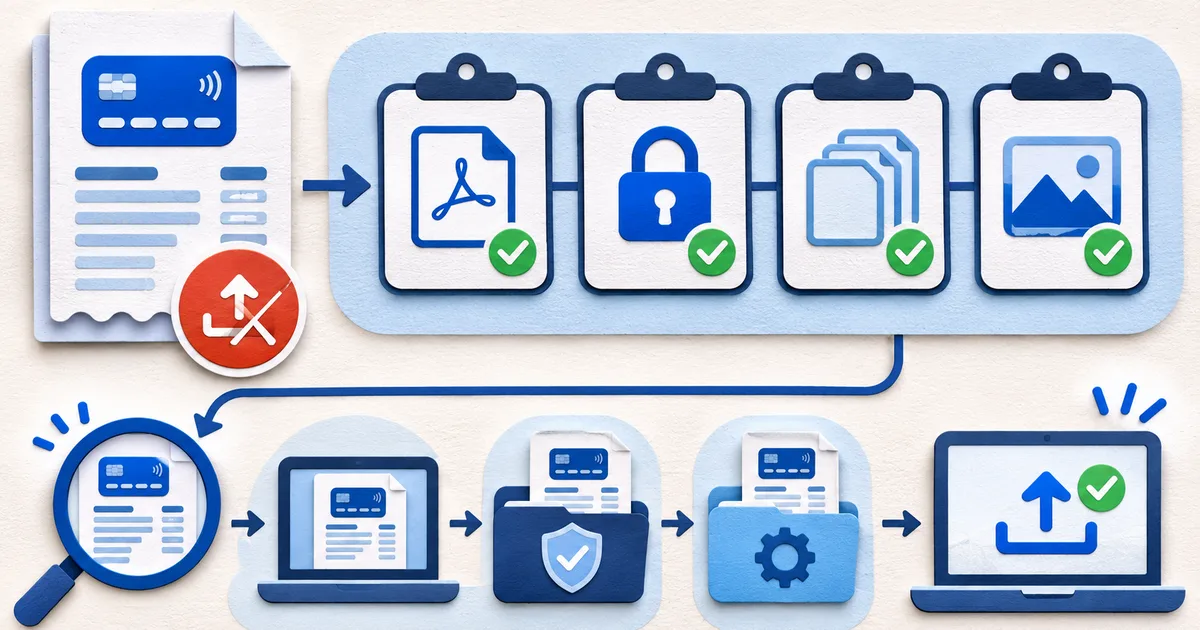
Isolate browser and network issues with a supported current browser, stable connection, and only the extension suspected of interference disabled. Check whether a prior job is still processing before resubmitting repeatedly. Capture timestamp, browser, visible error ID, and safe test result. Do not place the card number or financial purpose in the filename, screenshot, or ordinary support message.
Escalate with diagnostics rather than the statement: error text, file type, size, pages, encryption state, browser, and nonsensitive test outcome. Attach the real file only through a verified secure procedure when necessary. After resolution, remove troubleshooting copies and record which version was analyzed. If no safe path exists, keep the document local and use another authorized workflow.
If splitting is the only accepted path, keep page context. Each part should identify the source file, card suffix, cycle, page range, and total pages without changing issuer content. Confirm that repeated headers and carried balances are not turned into transactions and that all parts are later reviewed as one population. Preserve the original PDF beside the controlled parts.
Document the final cause as file corruption, unsupported encryption, service limit, browser issue, connection problem, active prior job, or unresolved. This history helps support recurring failures without requesting the statement repeatedly. It also distinguishes a safe local workaround from a product defect that should be corrected by the service.
Treat password handling as sensitive. Do not send the issuer password to general support or store it beside the PDF in an unprotected note. If local decryption is authorized, work on a temporary copy, verify the resulting pages, and remove the unencrypted file when the task ends. If the service cannot accept the protected document safely, do not weaken security merely to complete the upload.
Close the support ticket without sharing more data than needed. Confirm whether logs or uploaded copies remain, request removal where applicable, and retain the ticket reference and safe resolution steps. Future troubleshooting should begin from that record so the user is not repeatedly asked to weaken or redistribute the same sensitive document.
A repaired or rescanned file still needs the credit card statement OCR quality checklist before extracted figures are trusted.
To test safely, create a watermarked synthetic credit card statement rather than uploading a personal document to an unknown service.