

Analyze a Credit Card Statement Online
Build a card-cycle workpaper where issuer fields, reconstructed totals, tentative classifications, repeated-charge signals, and open exceptions stay visibly distinct.
Choose a credit card statement workflow for full-cycle analysis, Excel or CSV export, image reading, recurring-charge review, activity summaries, or synthetic tests.

Open the workflow that fits the output you need, then release its result only after the stated control checks pass.
Build a card-cycle workpaper where issuer fields, reconstructed totals, tentative classifications, repeated-charge signals, and open exceptions stay visibly distinct.
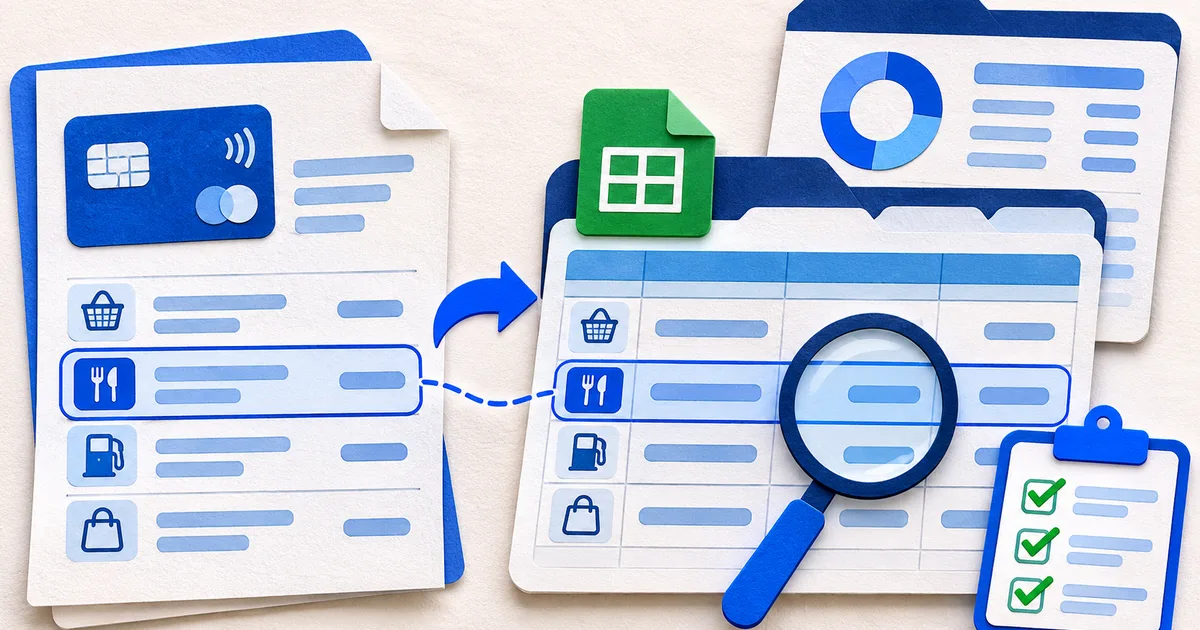
Build an XLSX workpaper where every imported row keeps its source description, page, direction, confidence, and review state.
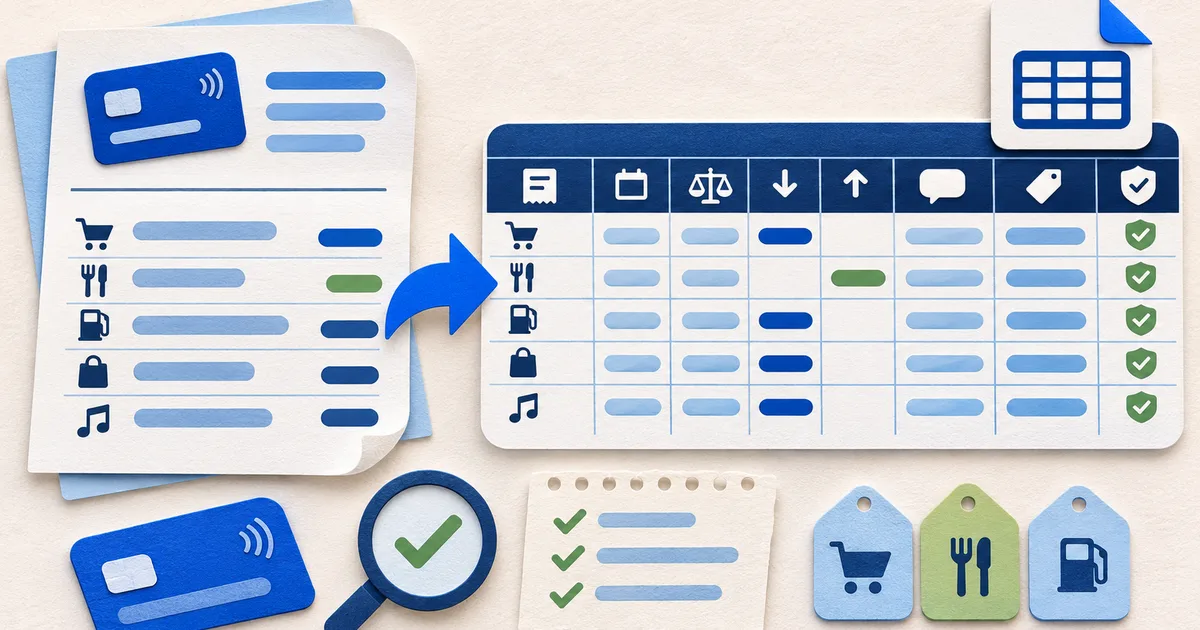
Create portable transaction rows with an explicit field contract so another system cannot silently reinterpret blanks, dates, signs, or descriptions.

Create a legacy Excel file for an older finance or accounting system without losing the evidence needed to check each imported row.

Produce a documented JSON object for an application or analysis pipeline while keeping observed values separate from proposed categories and merchant names.

Prepare a credit-card QIF import and test it in a temporary account before adding the checked transactions to a live finance file.

Turn a legible scan into proposed rows while keeping every uncertain digit, cropped edge, and balance break visible for manual review.

Rank possible repeating charges from several signals while keeping merchant identity and active subscription status unconfirmed until checked.
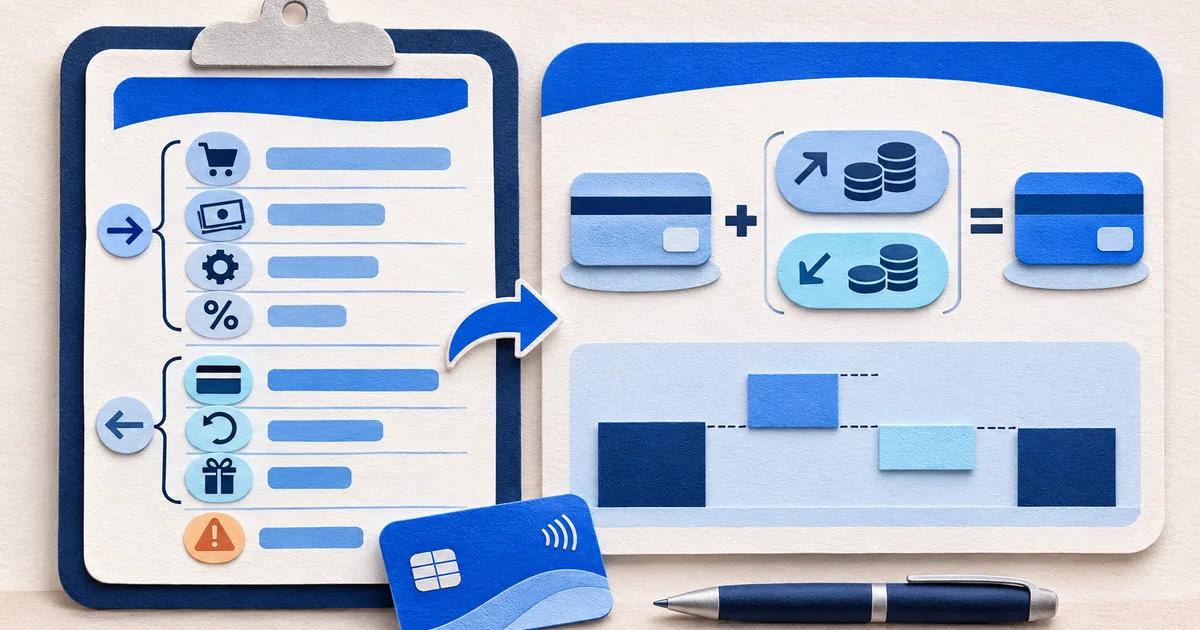
Explain why the card balance changed without mislabeling card payments as spending or calling a card statement a household cash-flow report.

Build a fictional test fixture in the browser with calculated balances and permanent synthetic markings.
Start from the decision you need to make. Each utility keeps the issuer evidence close to any normalized field, calculation, or warning.
The credit card statement analyzer reconstructs a checkable card ledger with purchases, payments, credits, costs, and open exceptions.
For a workbook with review fields, select the credit card statement to Excel converter. For straightforward imports, use the CSV converter.
The recurring payment finder evaluates wording, timing, and values. The credit card activity summary traces charges, payments, credits, fees, interest, and balance movement across one billing cycle.
The correct format depends on the receiving software, not on which filename sounds most familiar. Use the credit card statement PDF to XLS converter for legacy spreadsheets, the PDF to JSON converter for structured statement data, or the PDF to QIF converter for a checked finance-software import.
Use the older spreadsheet format only when a documented accounting or finance import requires it.
Keep statement identity, controls, transactions, and review context in a versioned object.
Map reviewed rows to credit card transaction blocks, then test direction and duplicates in a temporary account.
The calculator library is separate from this tool directory. It organizes six detailed subpages for balance reconciliation, payment estimates, interest, utilization, foreign charges, and cash advances.
Credit Card Statement CalculatorsThe utilities are built as workpapers: source fields remain inspectable, calculations can be rebuilt, and unresolved items do not disappear.
The issuer's descriptor is retained even when a separate merchant or category suggestion is added.
Every approved subtotal points to member rows and a visible formula rather than an opaque grade.
Cropped pages, doubtful digits, tentative classifications, and pattern candidates remain exceptions until a person resolves them.
Clean columns can still conceal a missing page, shifted amount, reversed sign, or unsupported category. Use the analysis method and the spreadsheet release checks before moving data onward.
Before selecting a utility, review the credit card statement learning center to identify the evidence and control that fit the question.