Quality-Control a Credit Card Statement Spreadsheet

A spreadsheet is ready only when it proves complete capture, preserves statement wording, reconciles to the card balance, and exposes every correction and uncertain field.

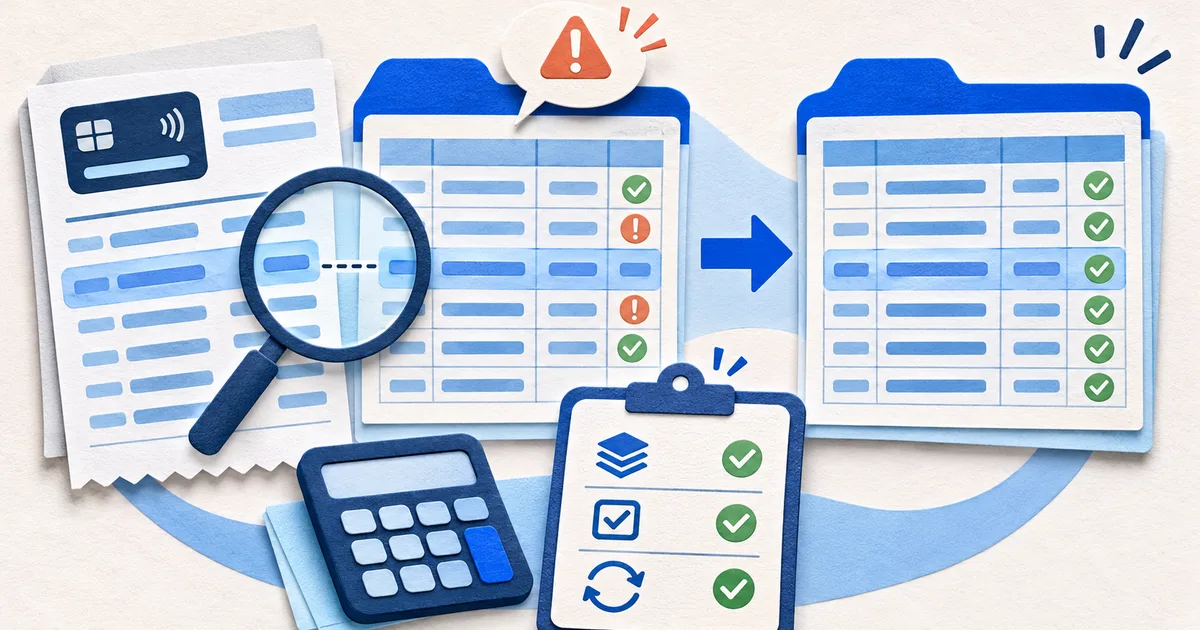
Spreadsheet, calculator, and fictional source document set up for export verification
Original editorial artwork for this guide. Any depicted account details are fictional.

Verify document and page coverage

Inspect row boundaries and columns

Run a spreadsheet acceptance sheet

Require visible evidence for each pass result.

Coverage

Account, cycle, page count, and source file hash or version.

Structure

Row boundaries, required columns, and source-text preservation.

Arithmetic

Independent debit, credit, fee, interest, and balance controls.

Types

Dates, numbers, references, currencies, and formula-safety checks.

Release

Exceptions, affected outputs, reviewer, and approved purpose.

Run independent arithmetic controls

Check types and dangerous cell values

Release exceptions with the workbook

Workbook lab: stop a duplicate page-boundary row

Build a control sheet that compares expected and exported pages, transaction counts, debit totals, credit totals, printed balance points, calculated variance, empty required fields, low-confidence cells, and manual corrections. Each result should link to a source page or workbook range. Do not hide exceptions with filters, white text, or a balancing formula; a recipient must see what prevented full approval.

Investigate possible duplicates with more than amount and date. Compare complete descriptor, direction, source page, sequence, balance effect, reference, and neighboring rows. Two same-day purchases for the same value can both be genuine, while a page-break repeat may be the same row. Keep a candidate flag and reviewer decision so detection never removes evidence automatically.

Before release, inspect formulas, hidden sheets, external links, filters, comments, names, properties, and protection. Record source identifier, workbook version, approved purpose, reviewer, row count, totals, open issues, and delivery recipient. Keep an unchanged initial export plus a correction log. A reconciled workbook can still expose unnecessary data or behave unexpectedly in another spreadsheet application.

Test date and number behavior on another machine or locale. A value such as 03/04 can change meaning, a long reference can become scientific notation, and a leading zero can vanish. Store stable dates in an unambiguous format, keep identifiers as text, and define decimal and thousands separators. The visible cell and the underlying stored value should both be examined before import.

Protect formulas and controls from accidental sorting. A user can sort transaction rows without related source-page fields or extend a formula into a subtotal, producing a plausible but wrong result. Use a defined table, locked control cells where appropriate, and a refreshable reconciliation check. Document the approved tool version and retest after any structural change to the workbook.

Give the recipient a small data dictionary that defines every column, its source, allowed blank state, sign convention, date basis, and whether it is copied or derived. Include the spreadsheet's approved purpose and known limits. This prevents later users from treating a confidence flag as issuer data, a missing value as zero, or a normalized category as proof of what was bought.

If the spreadsheet began with OCR, first confirm that it passed the statement OCR review checklist because a clean column layout cannot repair a misread source value.

The credit card statement to Excel tool keeps source descriptions and review fields together for a checked workbook release.

For the next control in this cluster, read Credit Card Statement PDF, OCR, and Data Extraction learning path, where the complete set of decisions and controls is organized together.

Continue with a statement review

For a source-linked working pass, open the credit card statement to Excel converter without treating automated output as issuer evidence.

Open the related tool