
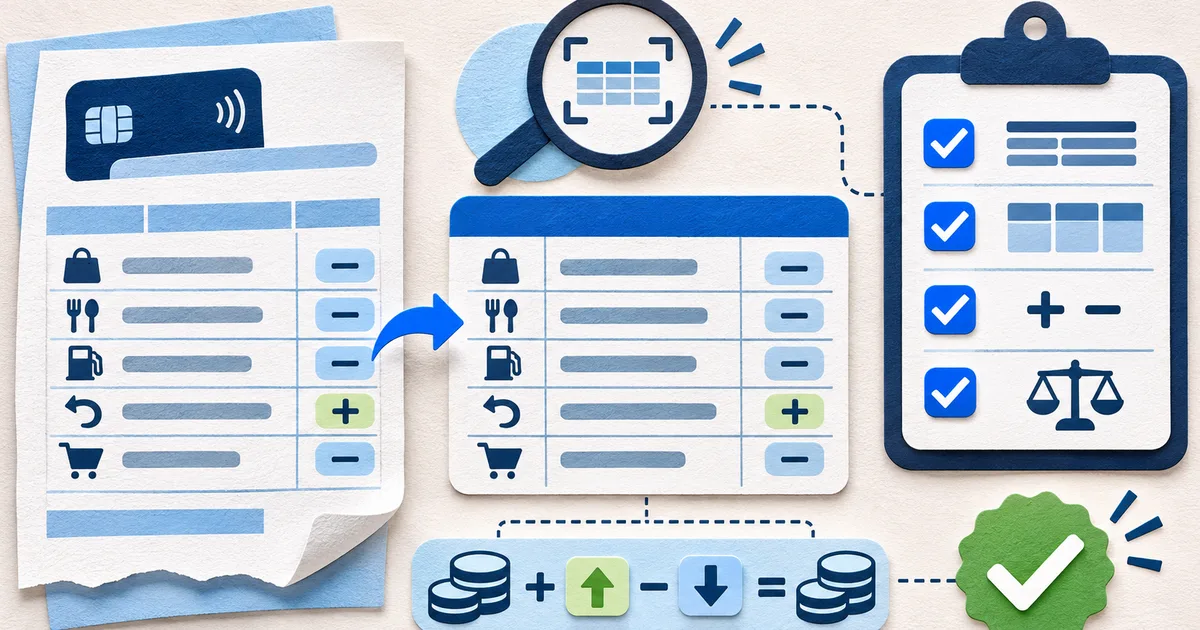
Confirm the source before the text
Count pages and identify the card suffix, billing period, currency, and issuer. An accurate transcription of the wrong cycle is still unusable.
Note rotation, clipping, shadows, password protection, and pages combined into one image before those defects disappear inside a spreadsheet.
Document an OCR acceptance decision
Keep these results beside the export.
Scope
File, suffix, cycle, pages, and currency.
Fields
Balance, minimum, due date, limit, and interest results.
Rows
Sample method and exact discrepancies.
Totals
Debit, credit, and page-count comparisons.
Release
Reviewer, fixes, open exceptions, and decision.
Test the fields that control decisions
Compare the due date, new balance, minimum payment, credit limit, available credit, and interest disclosures with the PDF.
Retain decimal places and signs. A missing minus sign changes a credit into a charge.
Sample the difficult rows
Select long descriptors, foreign charges, refunds, fees, split lines, and rows crossing a page break, plus a few ordinary purchases.
For every sample, check description, transaction date, posting date, amount, sign, and source page.
Reconcile counts and totals
Count captured rows by page and total debits and credits separately. Compare issuer subtotals before calculating a net value.
Investigate duplicates, omitted rows, and wrapped descriptions. Never insert a balancing item to hide a variance.
Release the exception record too
List corrected cells, unreadable values, excluded pages, and assumptions with a page pointer for each manual change.
Record reviewer, date, sample, and unresolved limits so later users know what was actually tested.
Use a scan where one page contains a 9.00 purchase but OCR proposes 99.00. Start with document controls: correct card suffix, cycle, currency, page sequence, and one image per page. Then sample the first, middle, and last transaction on every page, all wrapped descriptions, negative or parenthesized values, and rows beside page breaks. A clean first page cannot validate a continuation page with a different layout.
The 90.00 error may create a balance variance beginning at that row and persisting through later balances. Use the variance as a locator, not permission to replace the value. Inspect candidates against the pixels, checking decimal position, digit shape, sign, and column. If the source itself is blurred, retain an unresolved value and identify which totals cannot be approved rather than completing it from arithmetic alone.