
Credit Card Statement Troubleshooting by Source and Symptom
Use this path to locate which layer failed before changing a file, row, total, or account conclusion.
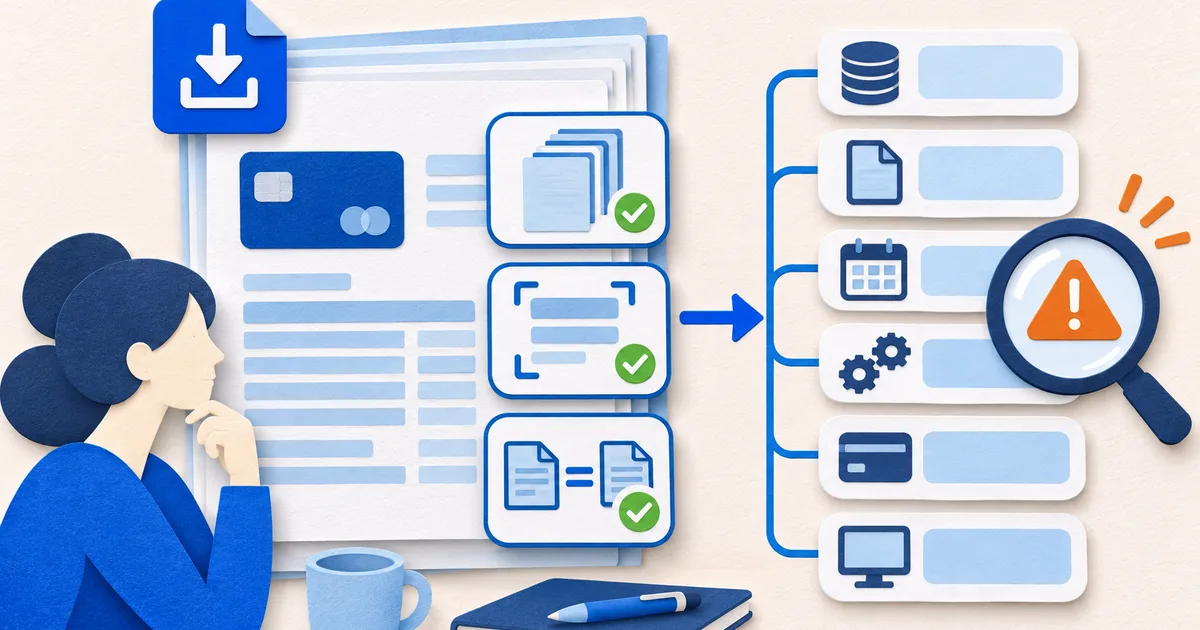
Scope of Credit Card Statement Troubleshooting
The troubleshooting model separates issuer record, live account view, local file, scan quality, extraction, imported dataset, and comparison ledger. Each layer has different evidence and safe corrective actions.
Name the failing layer
A row can be absent from an issued statement yet visible as pending, or present in the PDF but lost during extraction.
Hold scope constant
Match suffix, currency, cycle, page count, status, and cutoff before comparing two sources.
Correct without destroying evidence
Keep the original file and row, document each working-copy change, and preserve the final explanation.
Questions to answer before moving on
Troubleshooting succeeds when another reviewer can reproduce the failure, the safe fix, and the remaining limitation from retained evidence.
- Does the symptom originate in the issuer record, live view, file, extraction, or destination?
- Are both sides comparing the same account, period, state, and currency?
- Can the resolution be reproduced without modifying the original statement?
Choose a credit card statement troubleshooting guide
Open the guide that matches the decision or exception in front of you. Each page preserves its own source boundary and practical workpaper.
Begin with How to Trace a Missing Credit Card Statement Transaction when that question matches the statement in front of you. An expected transaction may be pending, posted in another cycle, settled under different wording, reversed, placed on another card, or never completed.
How to Trace a Missing Credit Card Statement Transaction
An expected transaction may be pending, posted in another cycle, settled under different wording, reversed, placed on another card, or never completed.
How to Fix a Credit Card Statement PDF Upload
Upload failure can come from the file, browser, connection, or service limits. Test one cause at a time without weakening privacy.
Why a Credit Card Statement Balance Does Not Match
A mismatch becomes solvable after both balances are named and dated. Build a bridge from the older figure to the newer one instead of comparing two unlabeled totals.
Test the method on an authorized statement
Apply the checks from this path to a statement you are authorized to process, and keep every conclusion connected to the issuer record.
Isolate the failing layer one change at a time
Decide whether the symptom belongs to the issuer record, live view, local file, scan, extraction, import, or comparison ledger. Hold card, currency, period, pages, state, and cutoff constant. Preserve the source before altering a working copy or changing filters.
Record the exact symptom and change one variable per test. Recheck pages, rows, totals, signs, and balance continuity after any repair. Close with cause, safe fix, affected output, retained evidence, and remaining limitation so a later reviewer can reproduce the result without repeating risky document handling.
Write a reproducible test card for the failure. Name the source file, browser or viewer, page count, card suffix, cycle, currency, exact symptom, expected result, and safe test data. Preserve the original, then change one condition at a time and record the outcome. After a repair, rerun page, row, amount, sign, and balance controls rather than assuming the visible error was the only problem. Close the card with root cause, corrective action, affected outputs, retained evidence, and any limitation that still requires issuer or support follow-up.